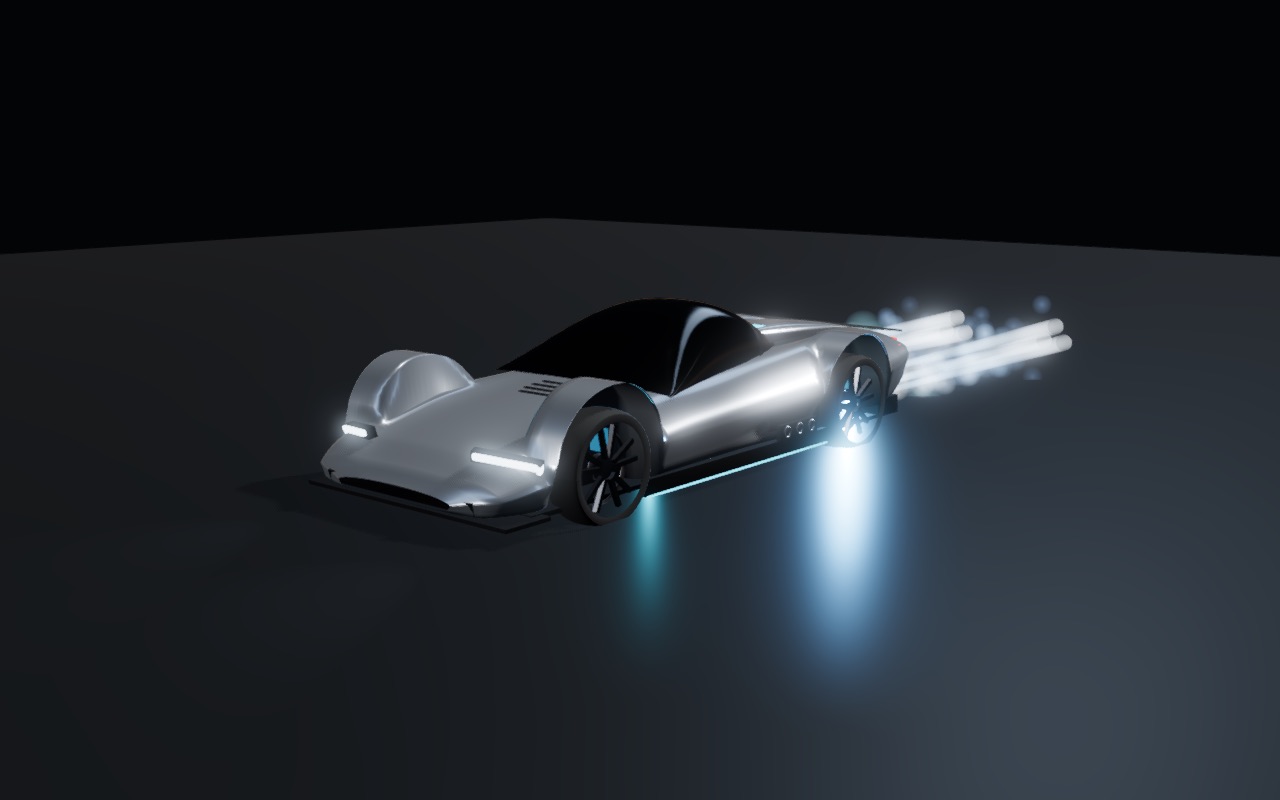
The JETLINE roadster, its jets lit

JETLINE

Jet-powered roadster · floors, walls, ceilings

A fan car with rear jets. The fan underneath sucks you onto the road, the wall and the ceiling, and you set how hard. Race the clock, outrun the police, or drive all of Budapest.

Download
Free · macOS, Windows and Steam Deck · gamepad or keyboard
Three ways to drive

One car, one physics model: four raycast wheels, a suction fan with its own heat, and 2.75 g of jet thrust.

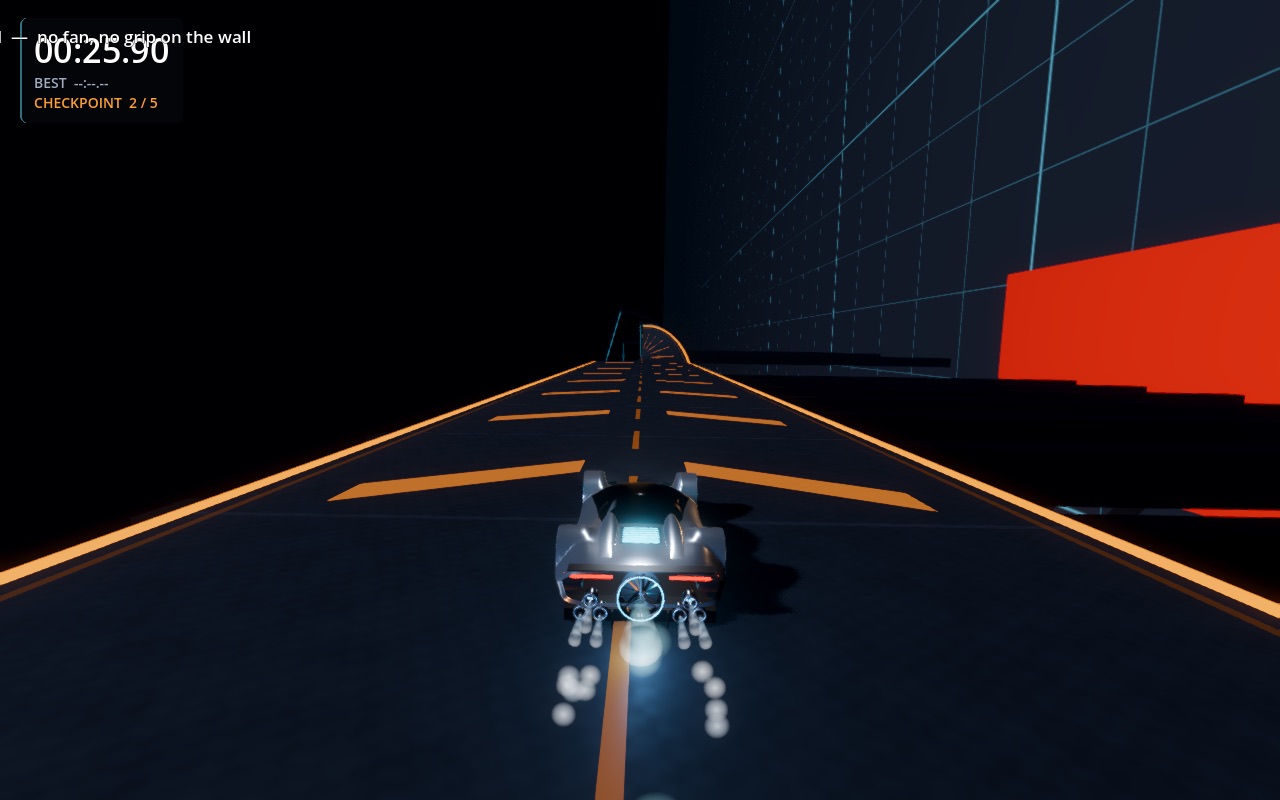
Riding the wall on the proving ground

Time trial

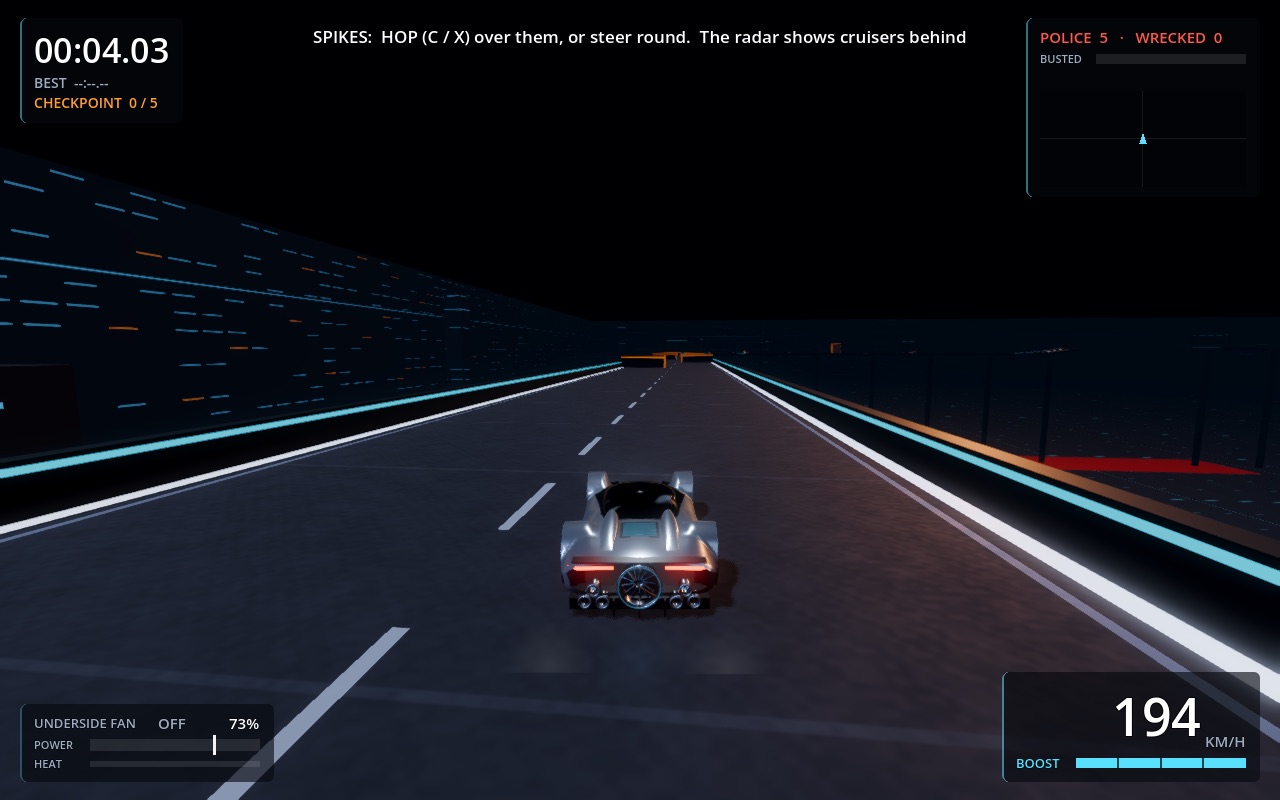
A night-time proving ground of ramps, a wall ride, a ceiling, a gap and a loop. Fan up for grip, fan off to fly, backflip over trouble.

Police chase on the proving ground

Police chase

Eight cruisers that chase, ram, block and lay spike strips. They have no fan, so the wall and the ceiling are yours.

Racing up Gellért Hill in Budapest

Budapest

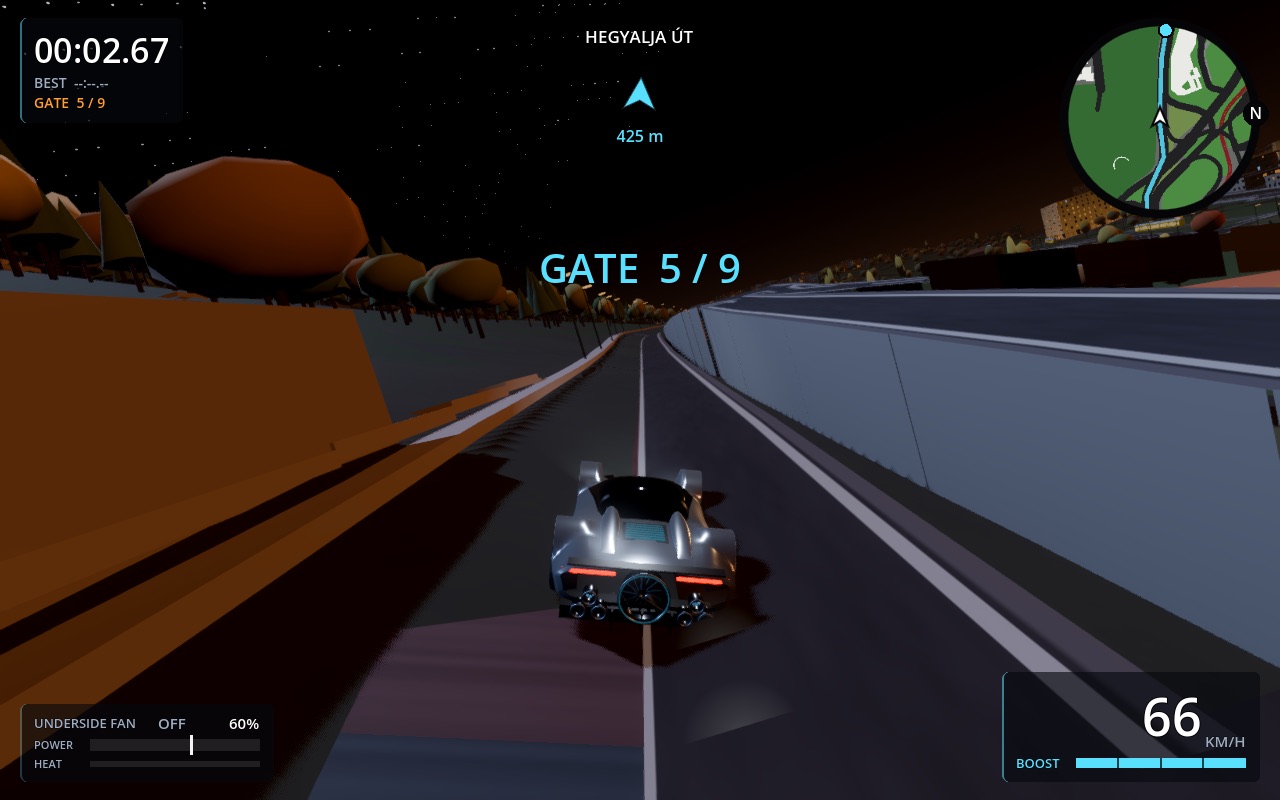
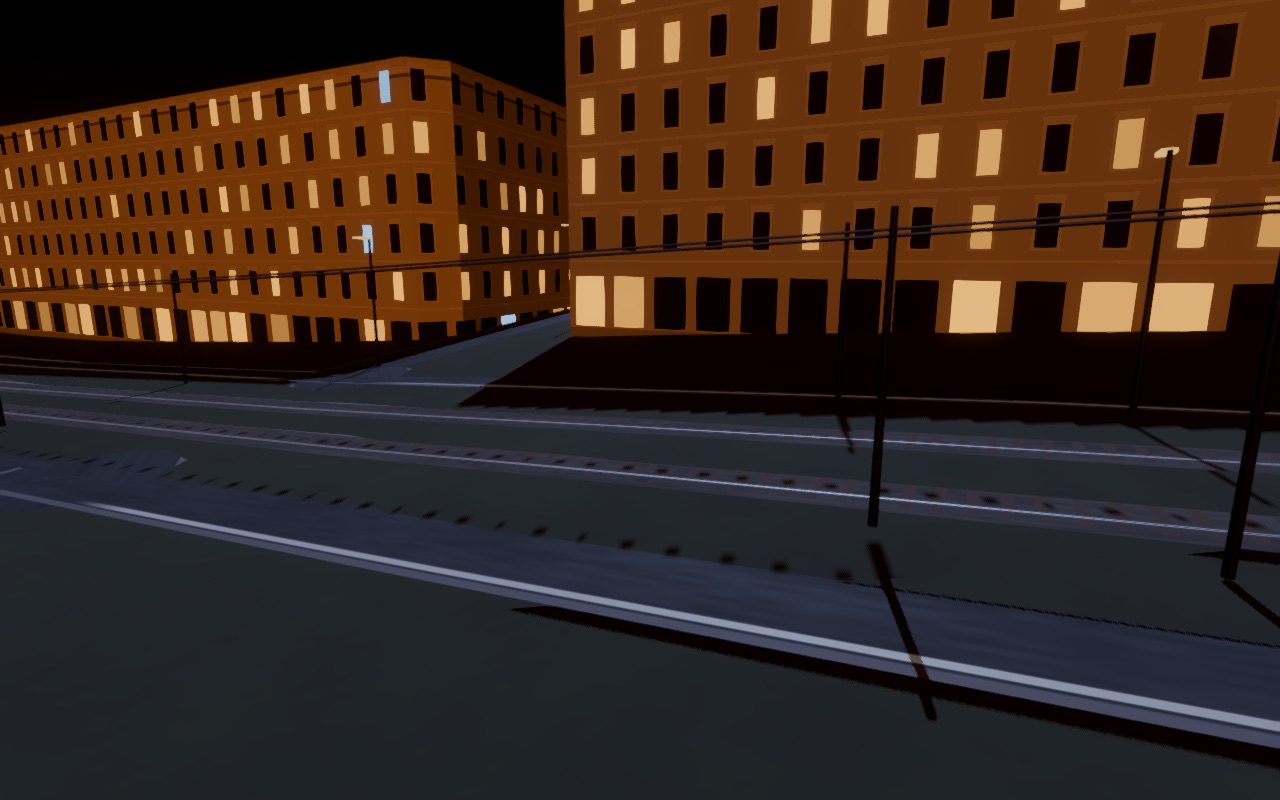
The whole city from OpenStreetMap. Roam it freely, or race six routes from Deák tér to the Citadella and round the M0 against AI rivals.

All of Budapest, at night

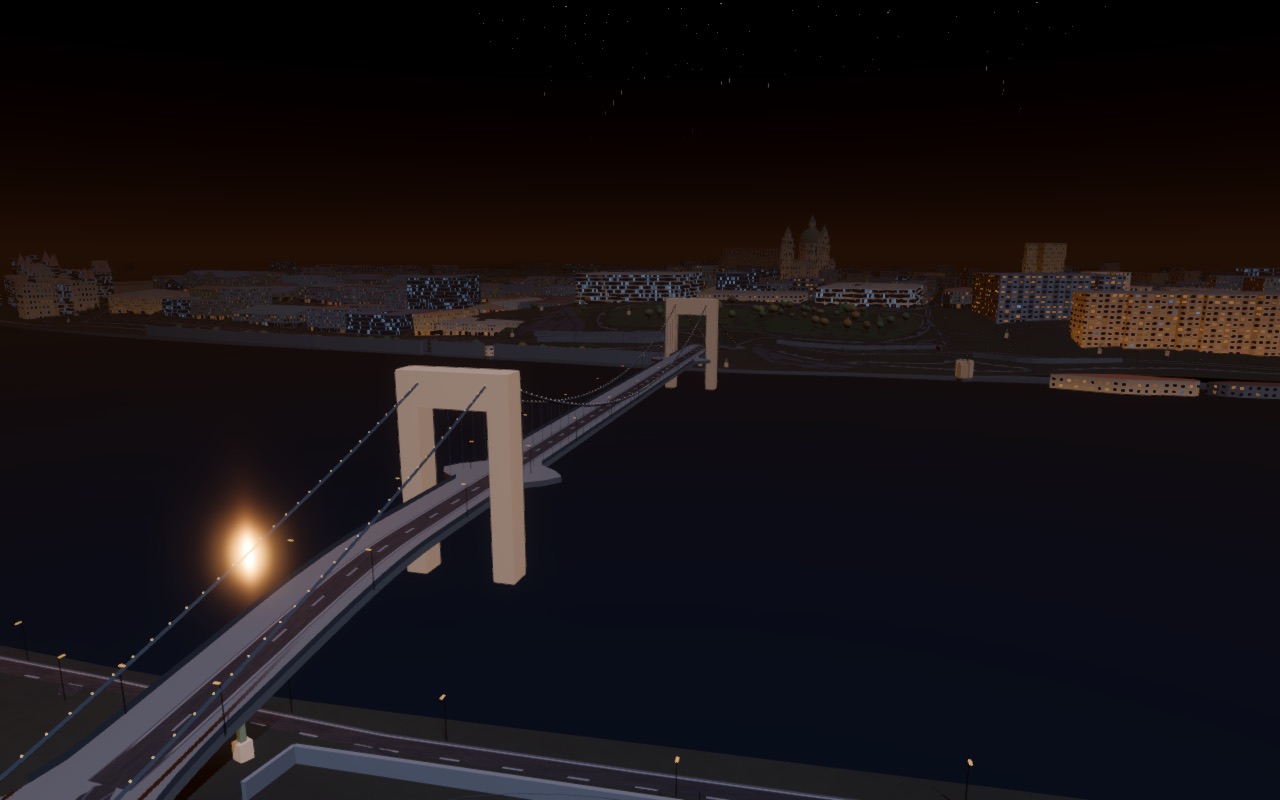
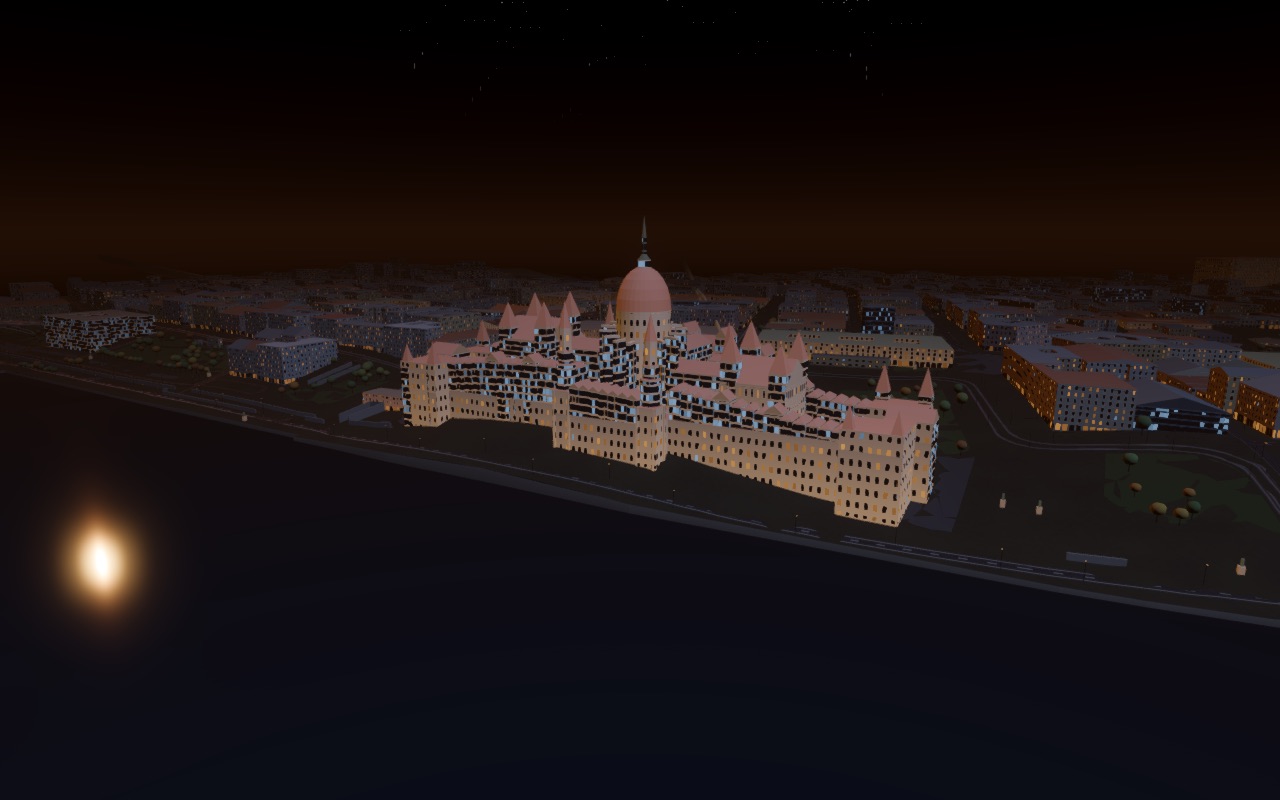
Built from OpenStreetMap and real elevation data: the Danube and its bridges, the Buda hills, the Grand Boulevard, trams on their real lines.

Download

One file, nothing else to install. The builds are not signed yet, so your system will ask once whether to trust them; the steps are below.

macOS

Apple Silicon and Intel · macOS 11+ · about 100 MB
Download for Mac

Quickest: paste this into Terminal. It installs to Applications and starts the game, with no security prompt.

curl -fsSL https://jetline.vetrag.live/install-mac.sh | sh
  1. Or download: open the zip, drag JETLINE to Applications.
  2. Open it once. macOS says it is Not Opened: click Done (not Move to Bin).
  3. System Settings → Privacy & Security, scroll down, click Open Anyway and confirm. From then on it opens normally.

Windows

Windows 10/11, 64-bit · Vulkan or DirectX 12 · about 65 MB
Download for Windows
  1. Extract the zip anywhere.
  2. Run JETLINE.exe.
  3. If SmartScreen stops it: More info → Run anyway.

Steam Deck

SteamOS, or any x86_64 Linux · about 70 MB
Download for Steam Deck
  1. In Desktop Mode, download and extract the zip.
  2. Double-click Install JETLINE (Dolphin may ask: Execute).
  3. Back in Gaming Mode it is in your Library under Non-Steam.

Controls

Made for a gamepad (Steam Deck, Xbox or PlayStation), fine on a keyboard. The tutorial teaches the four tricks in a minute.

ActionGamepadKeyboard
AccelerateRT / R2W, Up
Brake / reverseLT / L2S, Down
SteerLeft stickA / D, Left / Right
BoostA / CrossSpace
Fan on / offY / TriangleF
Fan powerRight stick up / downShift / Ctrl, mouse wheel
Hop (with brake: backflip)X / SquareC
Side burstsLB / RBQ / E
ResetBack / SelectR
City mapL3Tab